
- Owners
- Staff
Share your access code with visitors
Copy an invitation with your access code and send it to visitors before they arrive.
Checked against Sitemapper on
Your property has one access code that every visitor uses. You can send it ahead of time, in a welcome email or message, so visitors can open your map before they arrive.
Owners, managers and field rangers can copy the code. Read-only staff can't see it.
Copy the invitation
- In the portal, open Sites Directory and choose Guest Access on your property's row.
- Your code is under Current Campground Code.
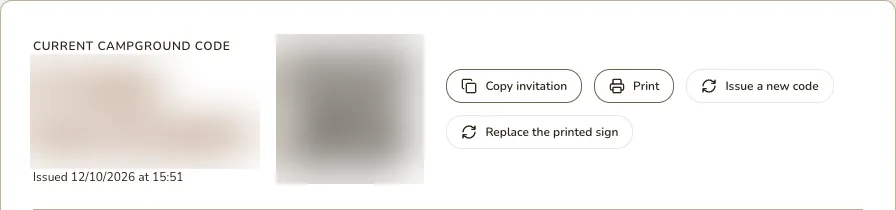
- Choose Copy invitation. It changes to Copied! for a moment.
- Paste it into your email or message.
The invitation has your property's name, the code, and a link to a page that shows the code.
How visitors use it
The visitor opens Sitemapper on their phone and, on the Guest Pass tab, pastes or types into the Site Access Code box. Any of these works:
- the whole invitation you sent
- just the code
- the link from the invitation
Capitals, spaces and hyphens don't matter. Then they tap Launch Guest Navigation.
Tapping the link on their phone opens a web page with the code on it. It doesn't open Sitemapper by itself.
If something goes wrong
- No active code. Your property has no current code. An owner or manager can choose Issue a new code on the same page.
- A visitor's code isn't recognised. If you've issued a new code since you sent the invitation, the old one no longer works for anyone new. Send the current one. See A visitor says the map won't open.
Still stuck? Email us and tell us what you were trying to do.